
AI Hand Fixer for Flawless Hands
Fix distorted AI hands and fingers in one click.
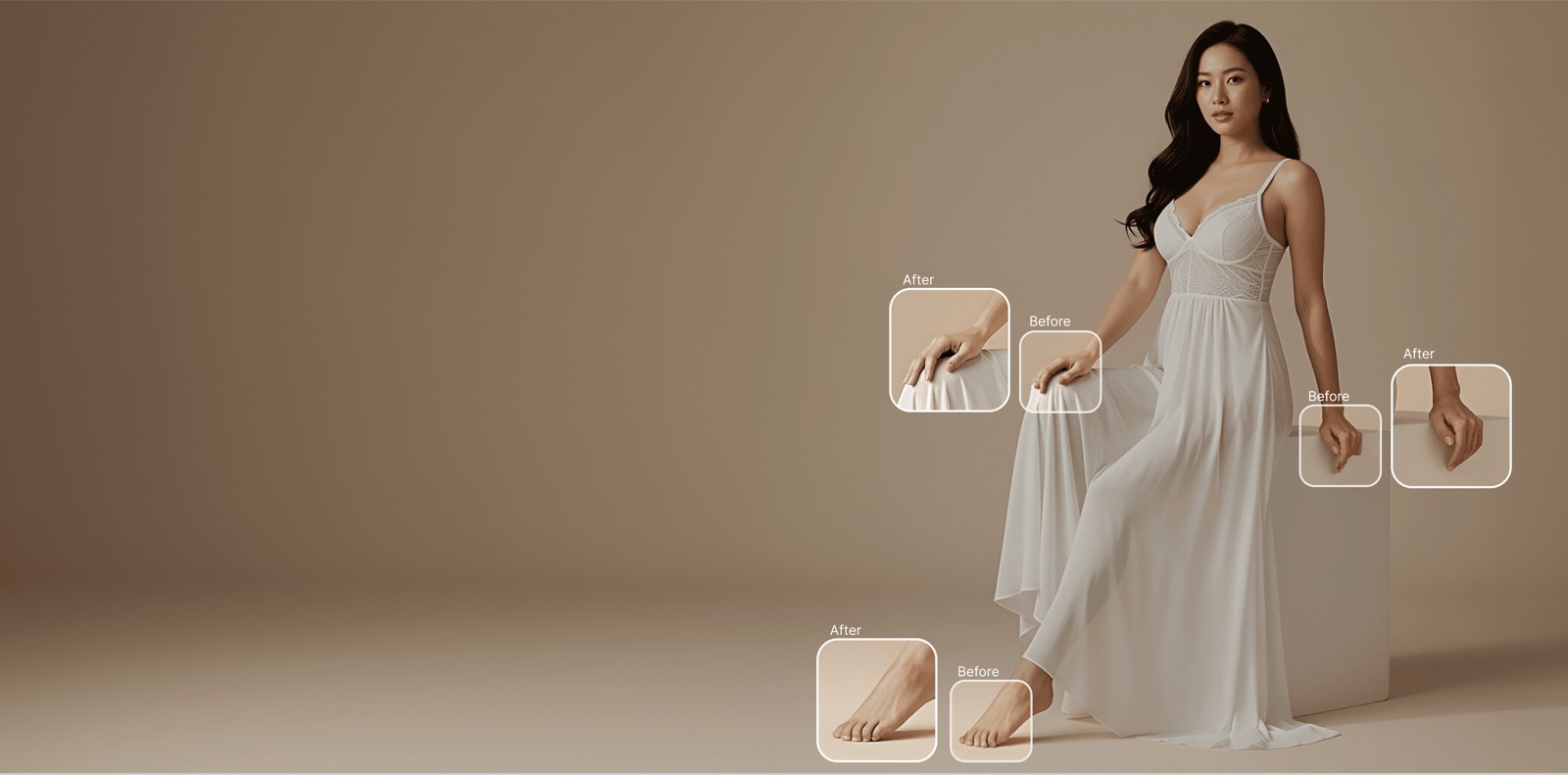
Use AI Hand Fixer to correct distorted or unnatural hands and feet in any photo. Specify exactly where to fix using a brush tool and choose gender and age for more accurate repaints.
Fix your photo’s hands — right now
Free · no card requiredWhat is AI Hand Fixer?
An AI hand fixer — also called hand repair, finger correction or an AI hand inpainting tool — is an editing tool that repairs malformed hands and fingers in a photo: extra digits, fused fingers, bent thumbs and warped nails, in AI-generated images and real photographs alike.
Brush over the area to fix and TinTin repaints anatomically correct hands that match the original pose, lighting, and skin tone; set gender and age for more accurate results. Because it is purpose-built for fashion imagery, it understands how hands hold garments, jewelry, and bags — which makes it a fast QA step before images reach your catalog.
AI Hand Fixer for modern ecommerce teams.
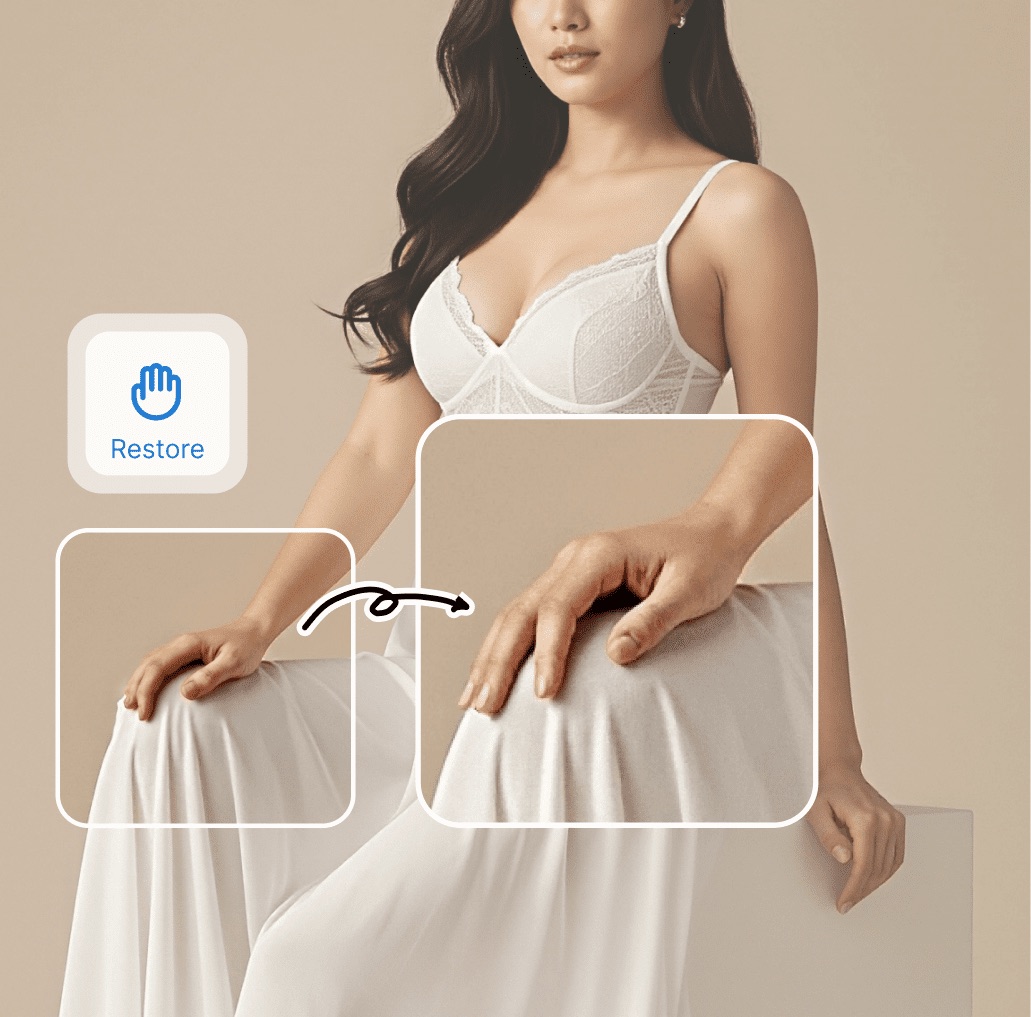
Automatic Detection and Correction
Our AI scans every AI-generated image for hand anomalies — extra fingers, fused digits, impossible bends, and proportion errors — then reconstructs anatomically correct hands that match the original pose and lighting.
- Detects extra, missing, or fused fingers automatically
- Corrects unnatural joint angles and impossible poses
- Preserves original skin tone, lighting, and shadows
- Works on hands holding products, accessories, and props
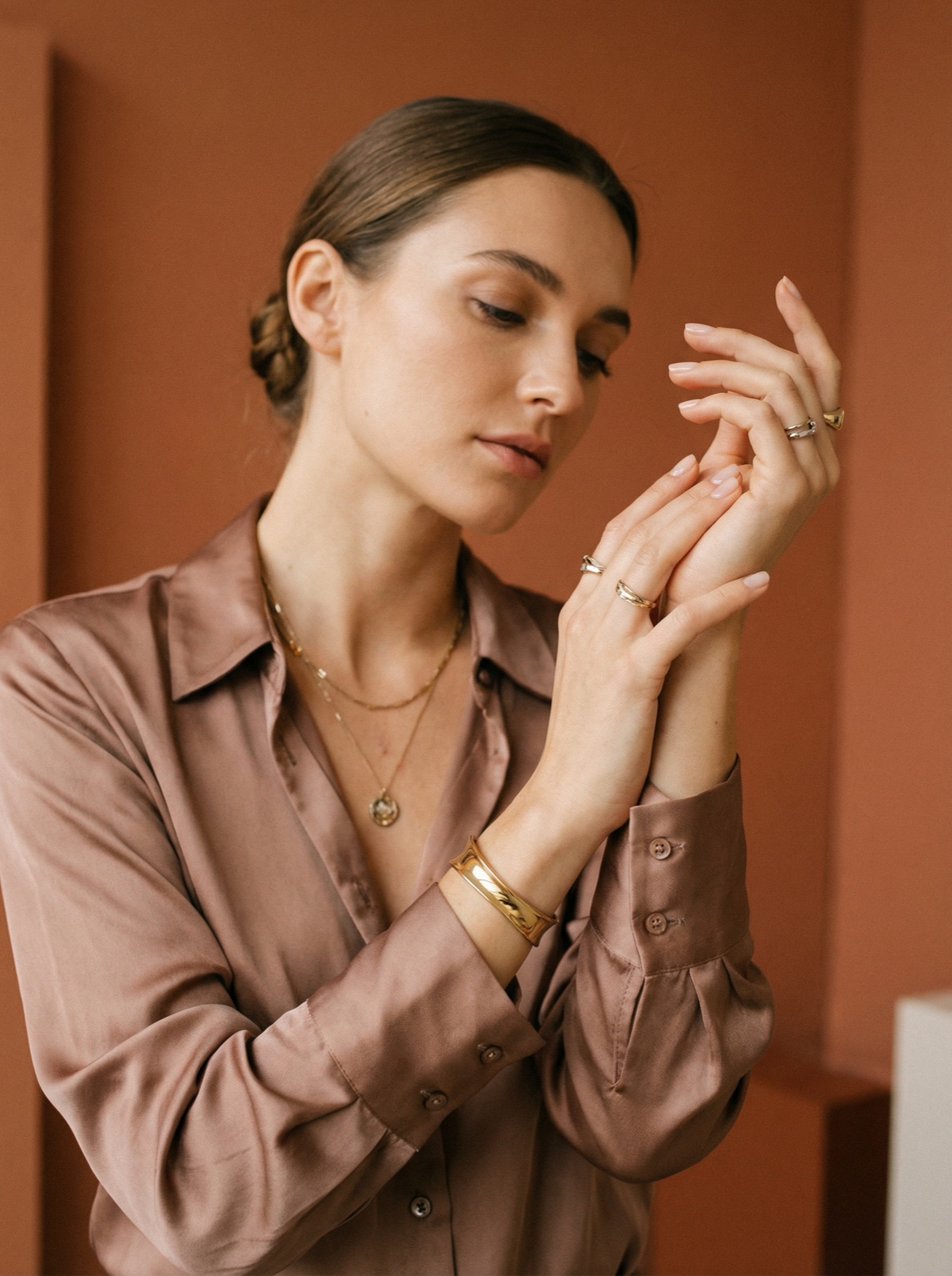
Purpose-Built for Fashion AI Content
Unlike generic image editing tools, our hand fixer is trained specifically on fashion photography. It understands how hands interact with garments, jewelry, bags, and other fashion products.
- Trained on millions of fashion photography hand poses
- Understands hand-product interactions (rings, bags, hems)
- Maintains natural manicure and nail appearance
- Supports complex poses like crossed arms and clasped hands
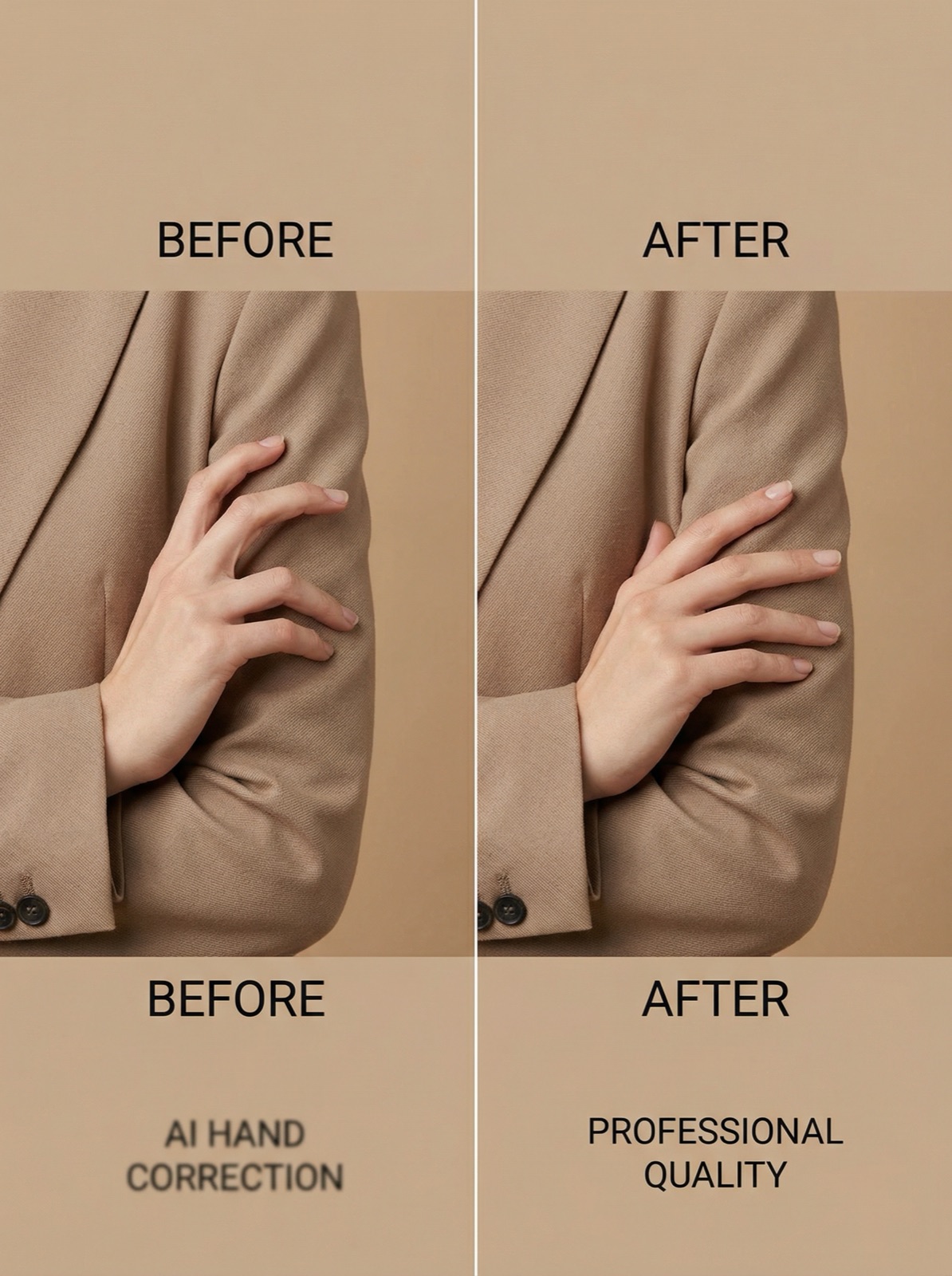
Integrate Into Your AI Content Pipeline
Add the Hand Fixer as an automatic post-processing step in your AI content generation workflow. Every image gets checked and corrected before it reaches your catalog — zero manual intervention required.
- Automatic QA step in your AI generation pipeline
- API endpoint for programmatic hand correction
- Confidence scoring flags images needing manual review
- Reduces manual QA time by up to 95%
Questions teams ask before they start.
Why does AI keep generating hands with too many fingers?
Hands are small in frame, highly articulated and appear in countless configurations, so image models get their topology wrong more often than they get faces wrong. A dedicated repair pass fixes the hand specifically rather than regenerating the whole image and hoping for a better roll.
How do I fix distorted hands and fingers in a photo?
Brush over the hand that is wrong, set the gender and age so the repaint matches the rest of the person, and re-render just that region. You get 5 credits free at signup with no card, so you can test it on your own image first.
Can I control exactly what gets repainted?
Yes — that is the point of the brush. You mark the region, so the rest of the image is untouched and a good face or garment is not re-rolled to fix a thumb.
Does it work on real photographs, not only AI images?
Both. Real photos have their own hand problems — an awkward grip on a product, a finger obscuring a label — and the same repaint applies.
Do I need to regenerate the whole image to fix one hand?
No, and that is the cost argument. A targeted repair costs a credit; regenerating the shot risks losing everything else you liked about it.
Is this different from an upscaler or a general retoucher?
Yes. Upscaling makes a bad hand bigger and sharper, not correct. General retouching smooths texture but will not rebuild finger anatomy. This pass is for the specific failure.
Never Publish AI Images with Bad Hands Again
Automate hand correction across your entire AI-generated content library and maintain professional quality at scale.