
Professional 4K Image Upscaler
Upscale product images to crisp, print-ready 4K.
Transform low-resolution product photos into crisp, high-definition assets with the Image Upscaler 4K tool. Instantly increase image size up to 400% without losing sharpness or detail.

What is Image Upscaler?
An AI image upscaler — also called image enlarger, resolution enhancer or 4K upscaler — is a tool that increases a photo's pixel dimensions while reconstructing detail, so a low-resolution product image can be enlarged up to 400% and still hold an edge at print size.
Upload a small or soft image and TinTin reconstructs detail for high-definition results suitable for marketplace zoom, large hero banners, and print. It is built for ecommerce teams cleaning up legacy or supplier images at scale.
Image Upscaler for modern ecommerce teams.
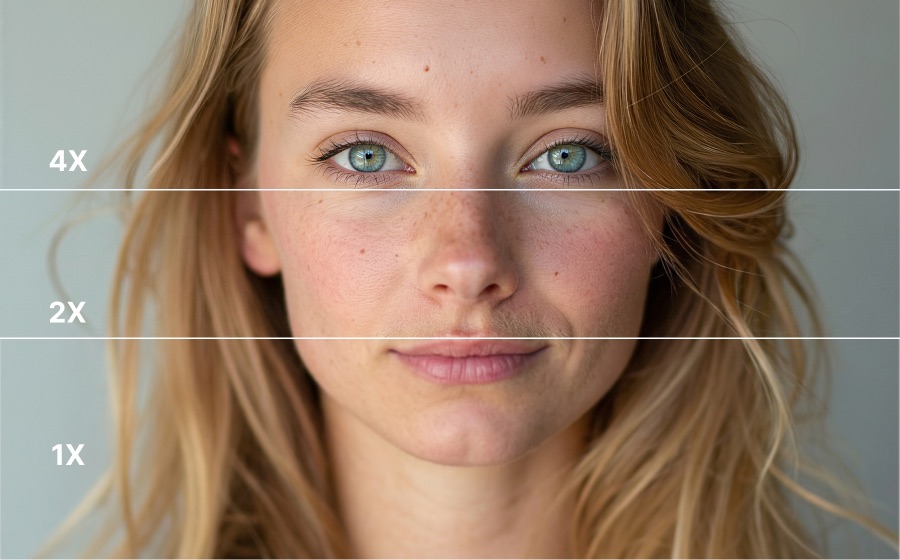
Upscale Up to 400% Without Quality Loss
Our AI-powered upscaler intelligently enhances resolution while preserving fine details, textures, and edges. Perfect for product photos that need to look sharp at any size.
- Upscale to 2x, 3x, or 4x resolution
- AI-enhanced detail preservation and sharpening
- Works with product photos, lifestyle images, and graphics
- Batch process entire product catalogs at once

Perfect for E-commerce at Scale
Ensure every product image meets marketplace requirements. Upscale supplier-provided photos, enhance user-generated content, or prepare images for print catalogs.
- Meet marketplace image size requirements easily
- Enhance supplier-provided low-res product photos
- Prepare images for high-DPI displays and print
- Maintain consistent quality across your catalog
Questions teams ask before they start.
What is an AI image upscaler?
A tool that enlarges an image and reconstructs the detail that simple resizing would smear. Ordinary enlargement interpolates between the pixels you have; upscaling infers what should be there, which is why a 400% enlargement can still look sharp.
How do I enlarge a product photo without it going blurry?
Upload the image and upscale it — the output is reconstructed at the larger size rather than stretched. You get 5 credits free at signup with no card, so you can test it on your own image first.
Will it invent detail or add artefacts?
It reconstructs plausible detail, which is worth understanding before you rely on it: fine print, serial numbers and small text are where invented detail shows. Check text-bearing areas specifically, and do not use an upscale as evidence of what a label says.
Is the output good enough for print?
4K output covers listing use and most print sizes. For large-format print, upscale from the highest-resolution original you have rather than from a web-sized copy — the more real detail you start with, the less has to be inferred.
Can it rescue old photos from a supplier?
This is the most common reason sellers use it. Supplier-provided images are often web-sized and cannot meet a marketplace's resolution minimum; upscaling gets them over that bar without reshooting the product.
Does upscaling fix a bad photo?
No — it fixes a small photo. Bad lighting, a crooked garment or a distorted hand stay wrong, only larger. Fix the underlying problem first, then upscale.
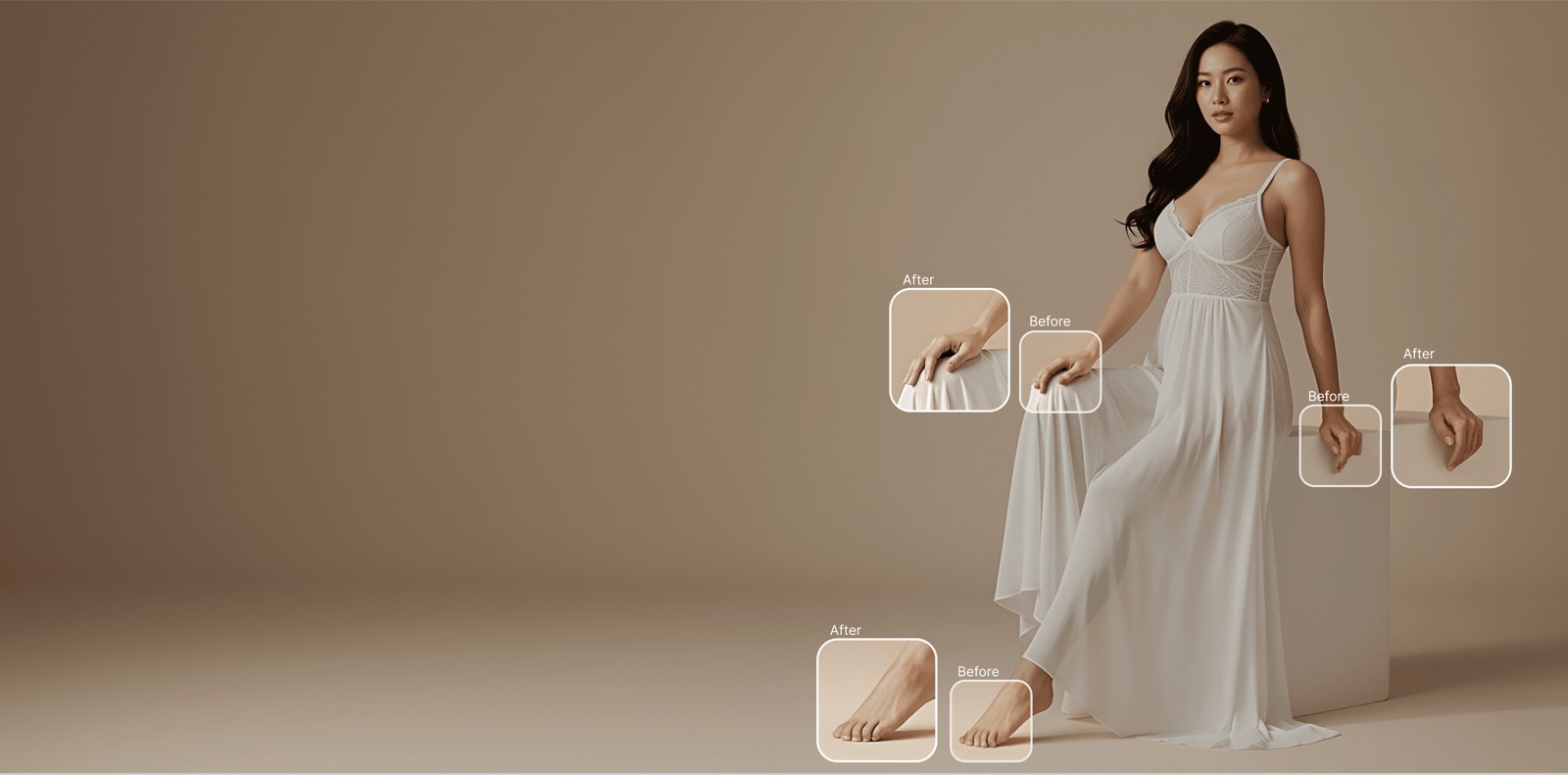


Enhance Your Product Images Today
Transform low-resolution photos into professional, high-definition assets in seconds.