
Logo Enhancer for Print-Ready Logos
Sharpen and reprint logos at any resolution.
An AI logo enhancer that helps ecommerce brands enhance logo quality, replace inaccurate logos, and add HD logos to garments, accessories, and product images with realistic results.
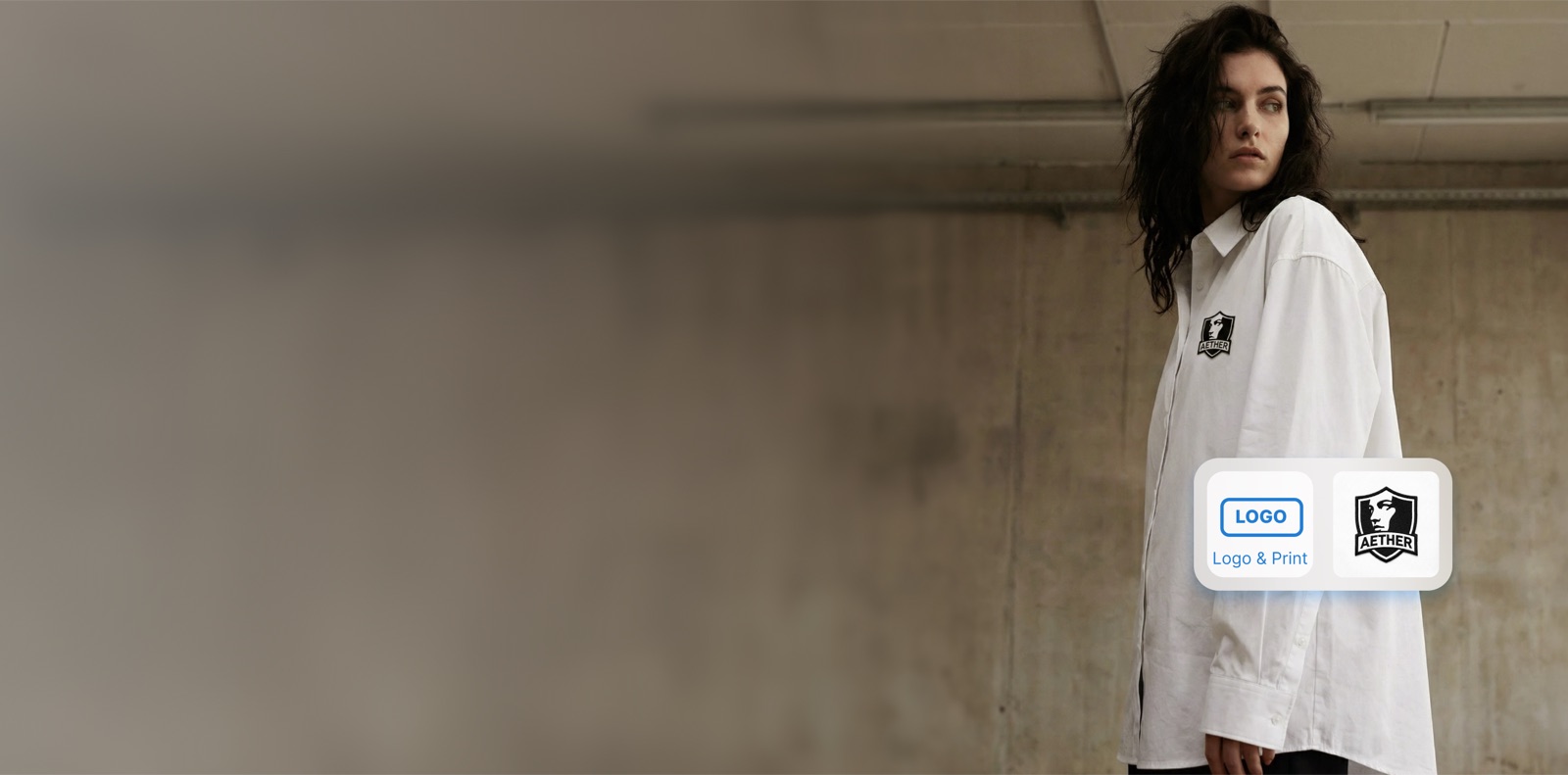
What is Logo Enhancer?
An AI logo enhancer — also called logo sharpening, logo replacement or brand-mark cleanup — is a tool that sharpens a soft or low-resolution logo, corrects one that has rendered wrongly, and applies a crisp mark onto garments, accessories and product images.
Turn pixelated or inaccurate logos into pixel-perfect, HD marks that sit naturally on AI-generated or real product imagery, with bulk processing for large catalogs. It is built for brands that need consistent, crisp branding across all of their visuals.
Logo Enhancer for modern ecommerce teams.
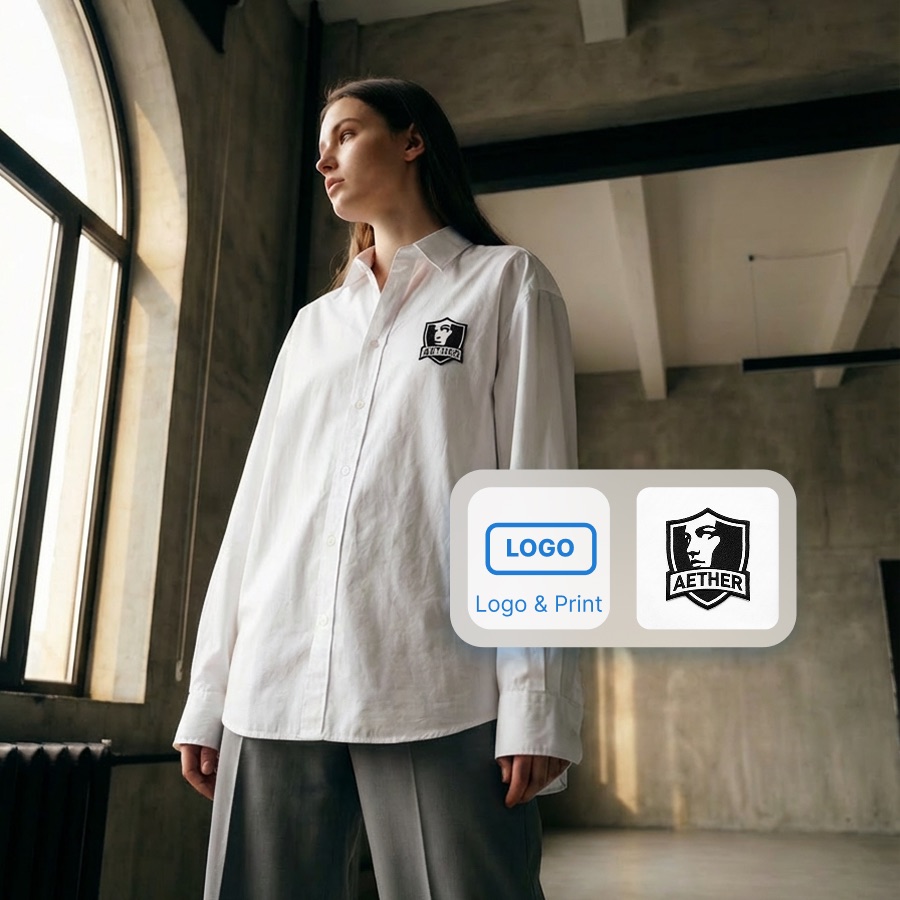
From Pixelated to Pixel-Perfect
Upload any logo — even a tiny favicon or screenshot — and our AI will intelligently upscale it up to 16x while preserving sharp edges, fine details, and brand colors.
- Upscale logos up to 16x without quality loss
- Preserve vector-like sharpness on edges and text
- Maintain exact brand colors through the enhancement process
- Export in PNG, SVG-ready, and print-resolution formats
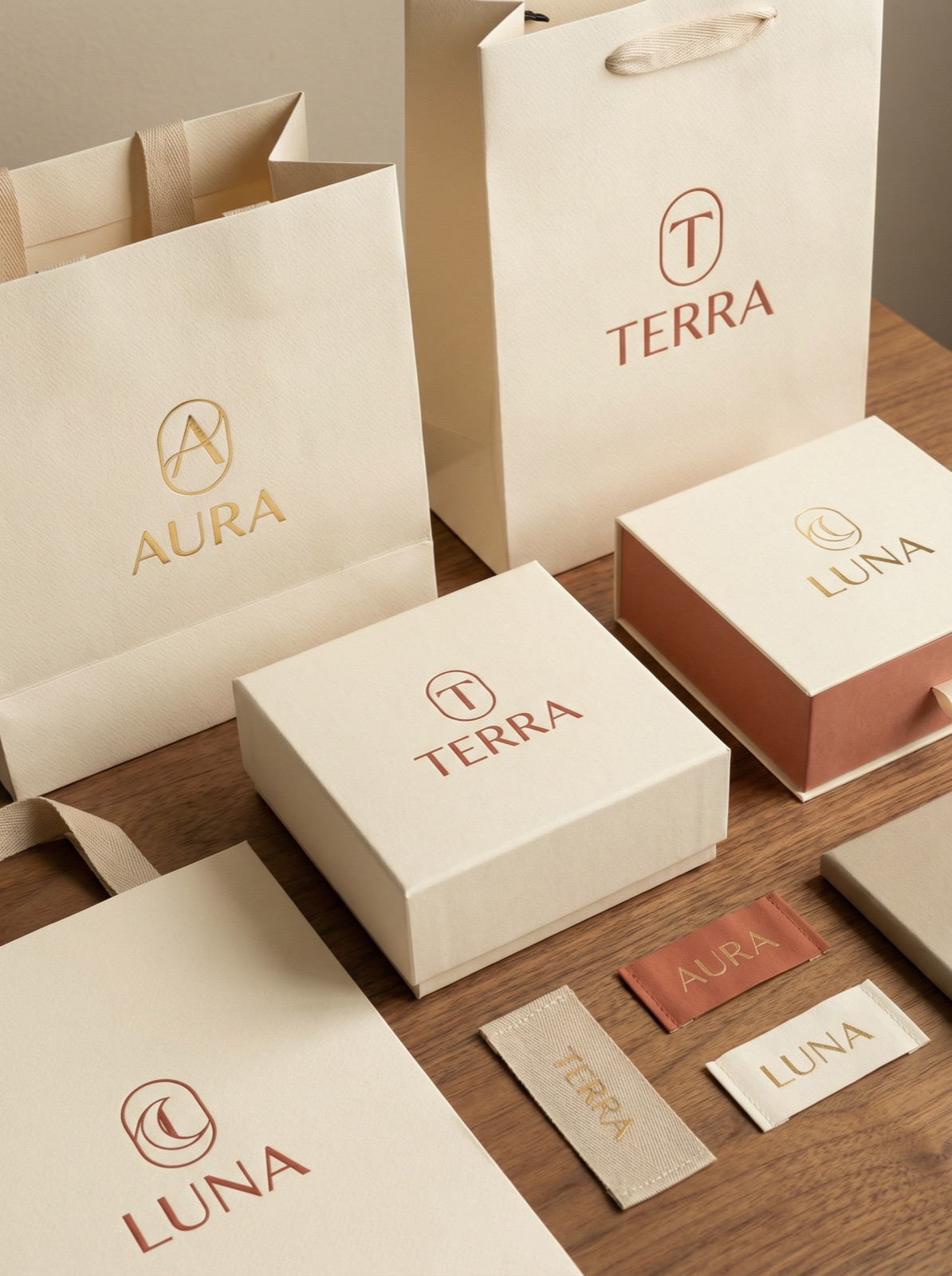
Seamless Brand Integration on AI Content
Automatically place your enhanced logo on AI-generated product photos, lookbooks, and marketing assets. Our AI understands logo placement, ensuring natural integration with any background.
- Auto-place logos on AI-generated product imagery
- Smart positioning that adapts to each image composition
- Maintain brand consistency across all generated content
- Batch-apply logo overlays to entire product catalogs
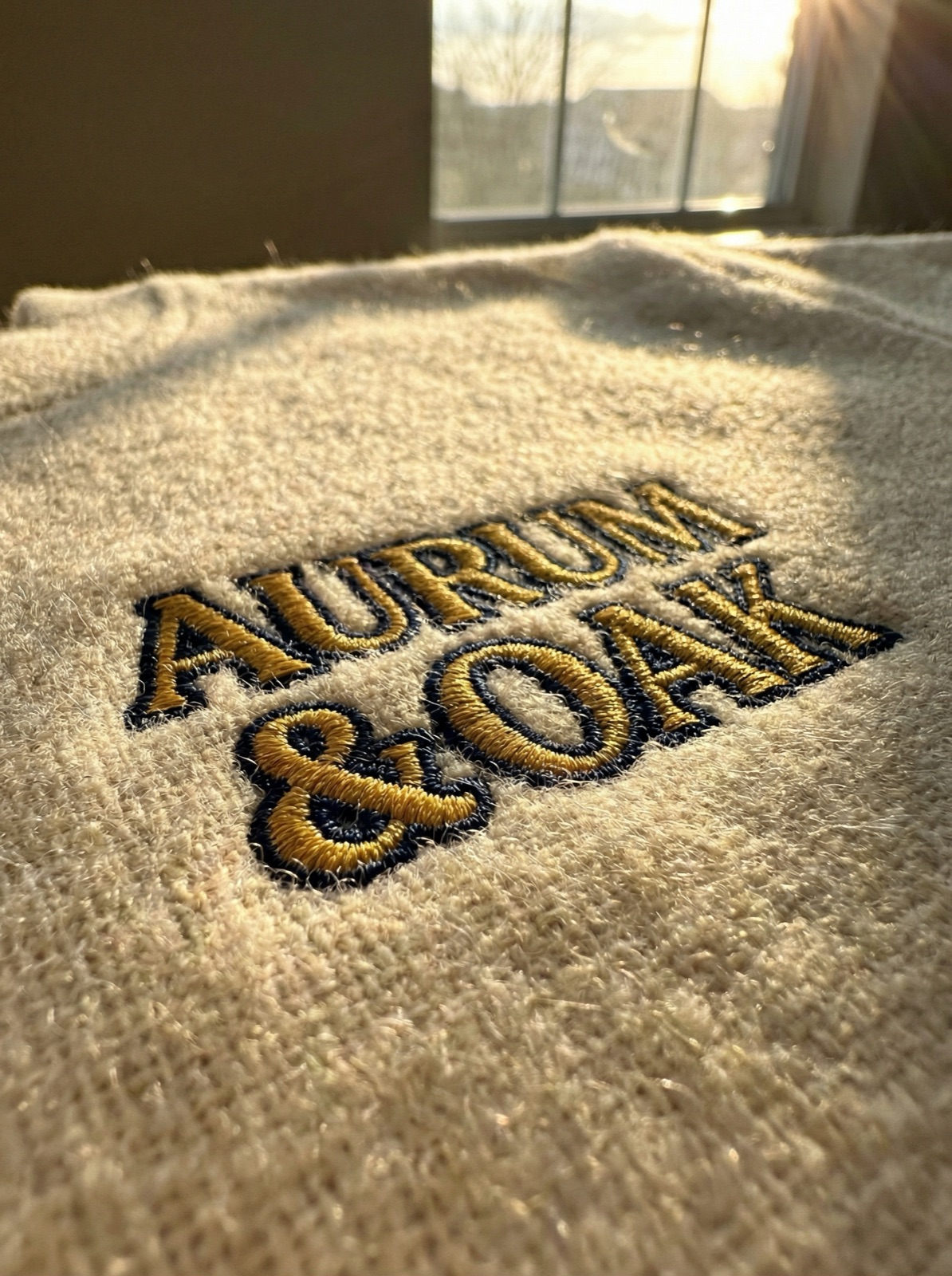
Bulk Processing for Enterprise Brands
Managing multiple sub-brands or a franchise network? Process hundreds of logos simultaneously. Our pipeline ensures every brand asset meets your quality standards.
- Batch-enhance logos for multi-brand portfolios
- Automated quality checks ensure consistent output
- API integration for headless content workflows
- Priority processing for enterprise accounts
Questions teams ask before they start.
What does an AI logo enhancer do?
Three related jobs: sharpen a mark that is soft or low-resolution, correct one that has been rendered wrongly, and place a clean logo onto a garment or product so it follows the fabric rather than sitting flat on top of it.
Why do AI-generated product images get logos wrong?
Image models treat a logo as texture rather than as a fixed piece of typography, so letterforms drift — a recognisable mark comes back subtly misspelled or misshapen. Replacing the mark afterwards is more reliable than trying to prompt it correctly.
How do I put my logo on a garment mockup?
Upload the garment image and the logo, then place it. The mark is warped to the fabric's surface and lighting so it reads as printed or embroidered rather than pasted. You get 5 credits free at signup with no card, so you can test it on your own image first.
Can it fix a blurry logo in a photo I already have?
Yes, and this is the common case with supplier photos. If the original is too degraded to reconstruct faithfully, supply the real logo file and replace it instead of sharpening a guess — a brand mark is one thing you should not let a model infer.
Is the output ready for print?
4K output is available on every paid plan at two credits per image, which covers packaging and print use.
Do I need a bigger plan to do this at volume?
No. Every paid plan runs the same model at the same quality — only the credit bucket differs between Starter, Studio and Pro, and there is no enterprise tier to negotiate — see the pricing page for current plans.
Make Your Brand Shine on Every Image
Enhance your logos and integrate them seamlessly into your AI-powered content pipeline.