
Mannequin to Model in One Click
Turn mannequin shots into photoreal on-model images.
Transform apparel photos on mannequins, hangers, or flat lays into lifelike on-model images in seconds. No photoshoot. No model booking. Just upload and generate.
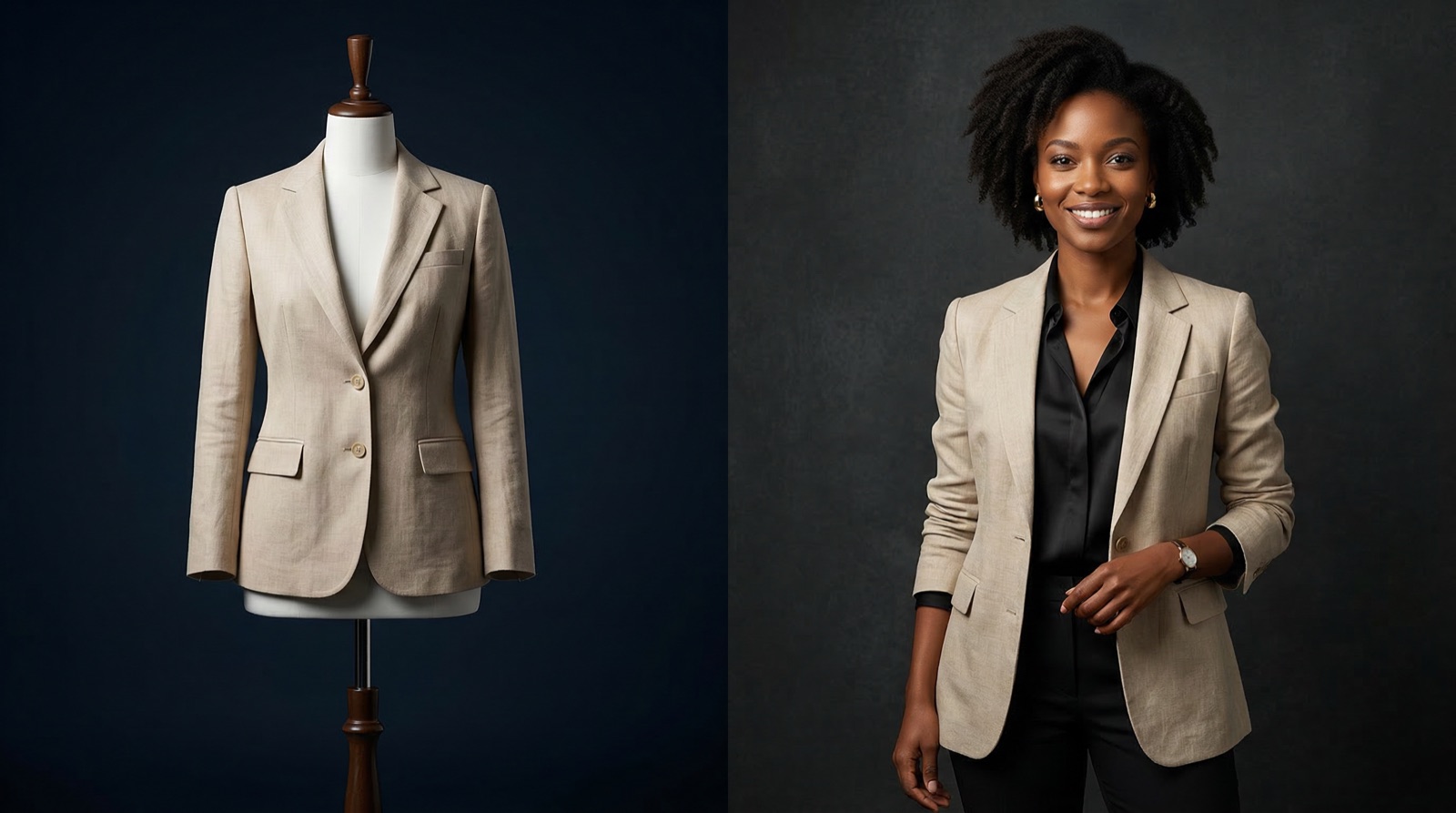
See it on a model — right now
Free · no card required150+ more models after you sign up.
What is Mannequin to Model?
Mannequin-to-model conversion — also called mannequin removal, mannequin swap or mannequin-to-human rendering — is the practice of turning a mannequin, hanger or flat-lay apparel shot into a photoreal image of the same garment worn by a person.
Upload what you already have and TinTin generates lifelike on-model photography — no studio, no model booking — with diverse models that match your audience. It is built for apparel sellers who want on-model imagery without re-shooting their catalog.
Mannequin to Model for modern ecommerce teams.
Works with Every Mannequin Input Format
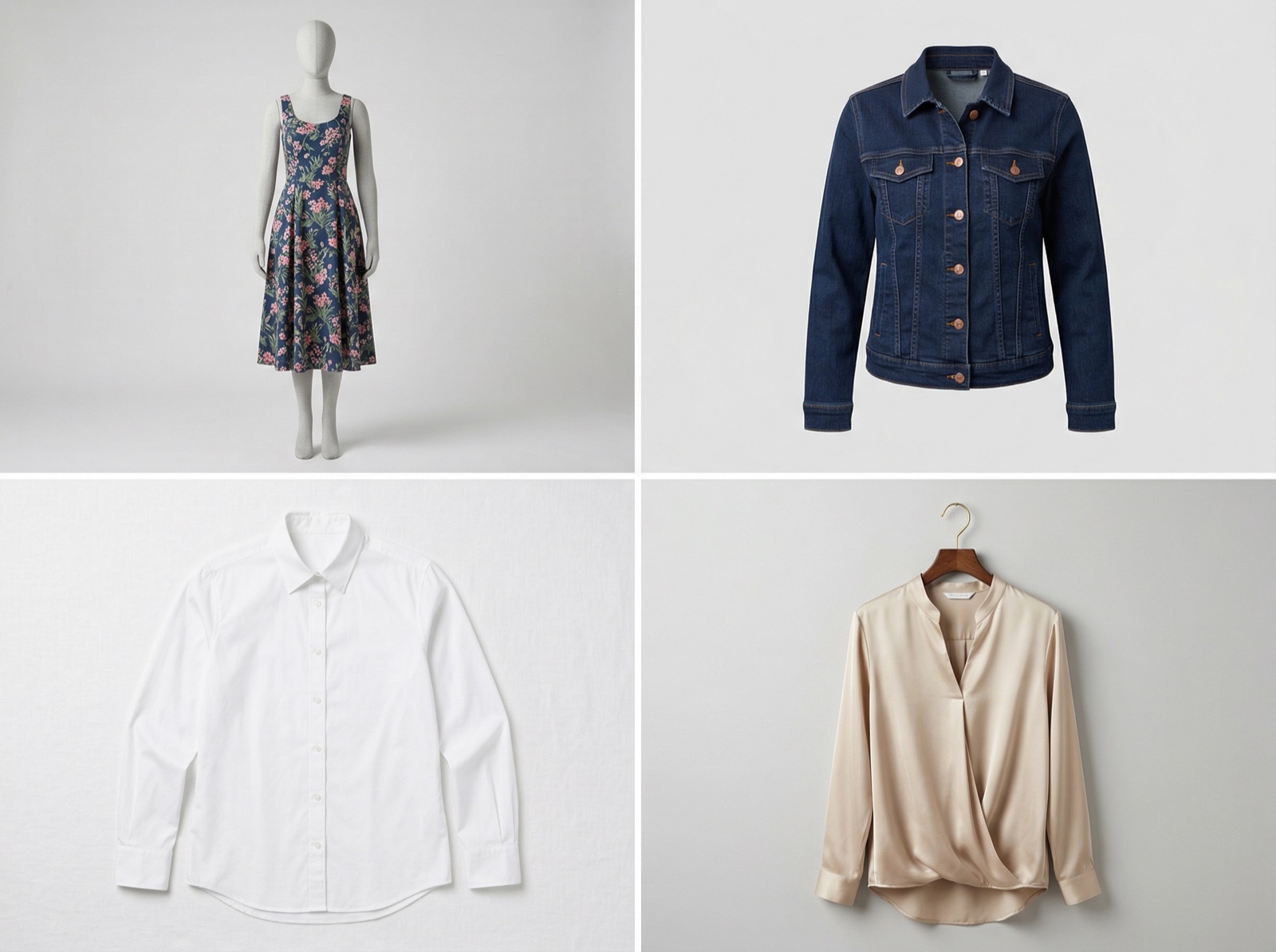
Upload mannequin photos, ghost mannequin shots, flat lays, or hanger images — our AI handles all of them. It reads garment structure and drape to realistically dress an AI model with your clothing, preserving fabric textures, colour accuracy, and garment details.
- Accepts mannequin, ghost mannequin, hanger, and flat-lay inputs
- Preserves original fabric texture, stitching, and colour
- No retouching or manual masking required
- Batch process entire catalogs in one session
Skip the Studio, Keep the Quality
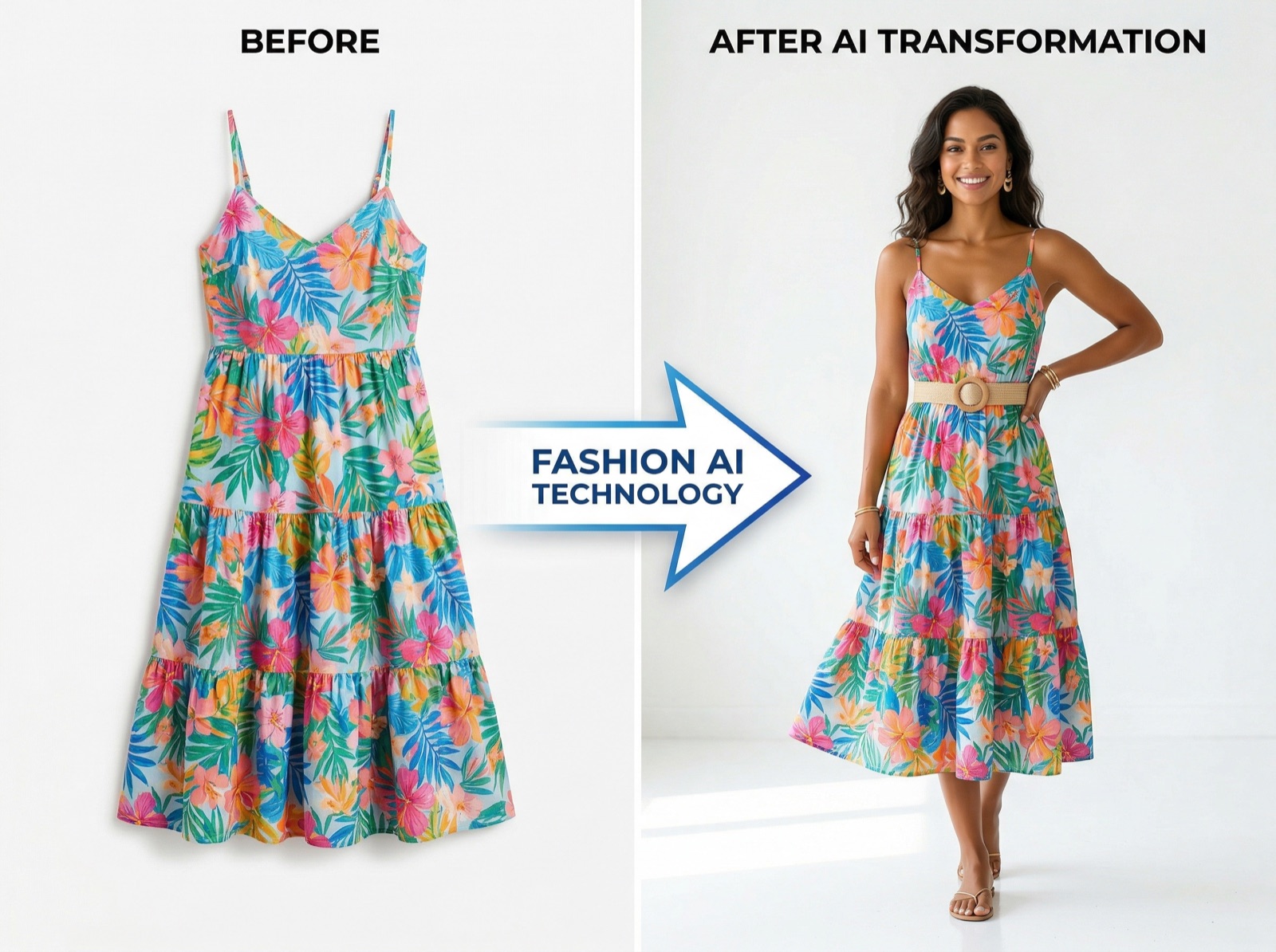
Traditional on-model photography requires a model, studio, stylist, and photographer — costing thousands per shoot. TinTin's mannequin-to-model AI delivers the same professional output from a single product photo, cutting production costs by up to 90% and reducing time-to-market from weeks to minutes.
- Reduce photography costs by up to 90%
- Go from mannequin image to listing-ready model photo in seconds
- Maintain consistent quality across every SKU and collection
- Scale to hundreds of garments without additional overhead
Diverse AI Models That Match Your Audience
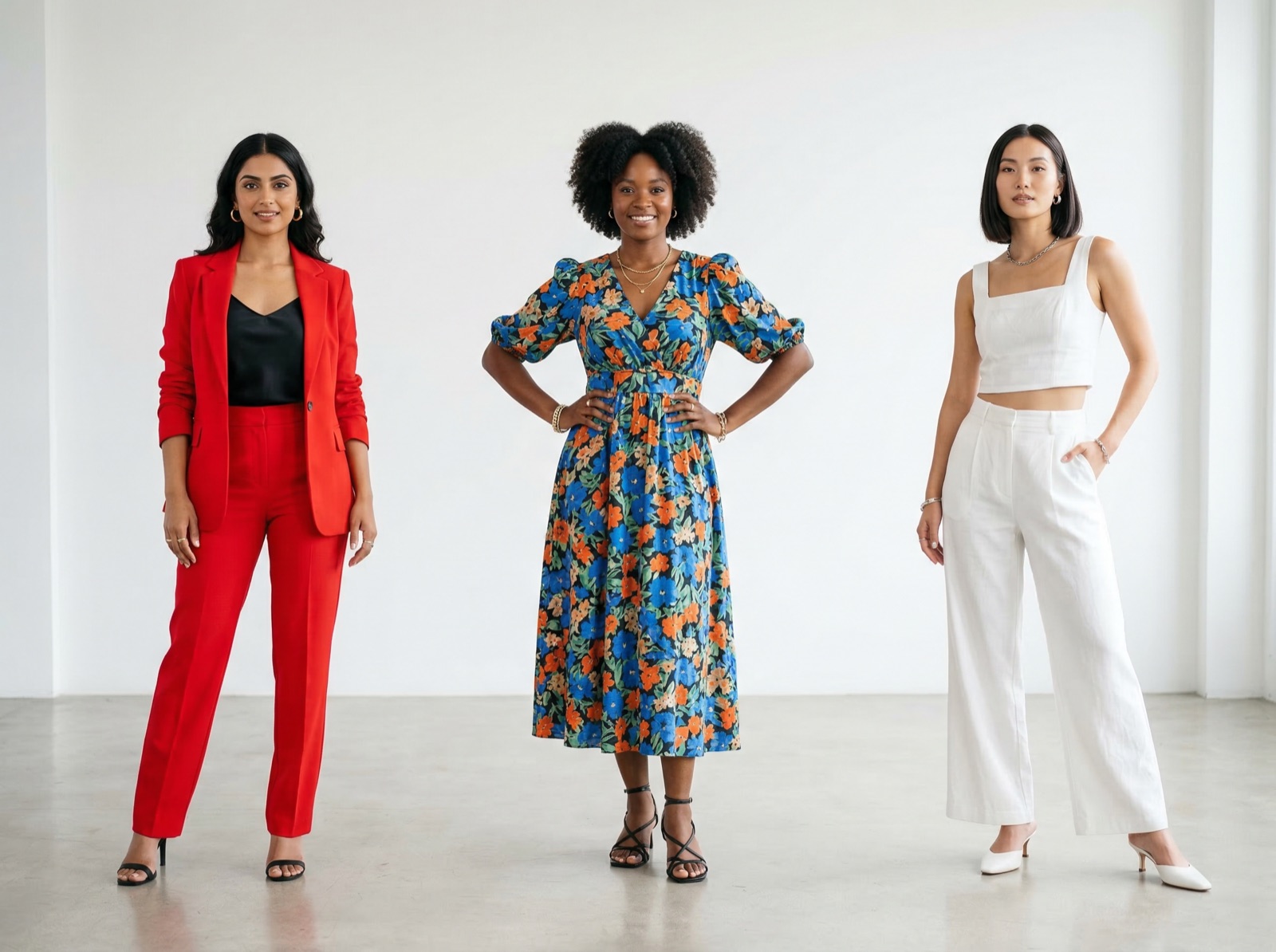
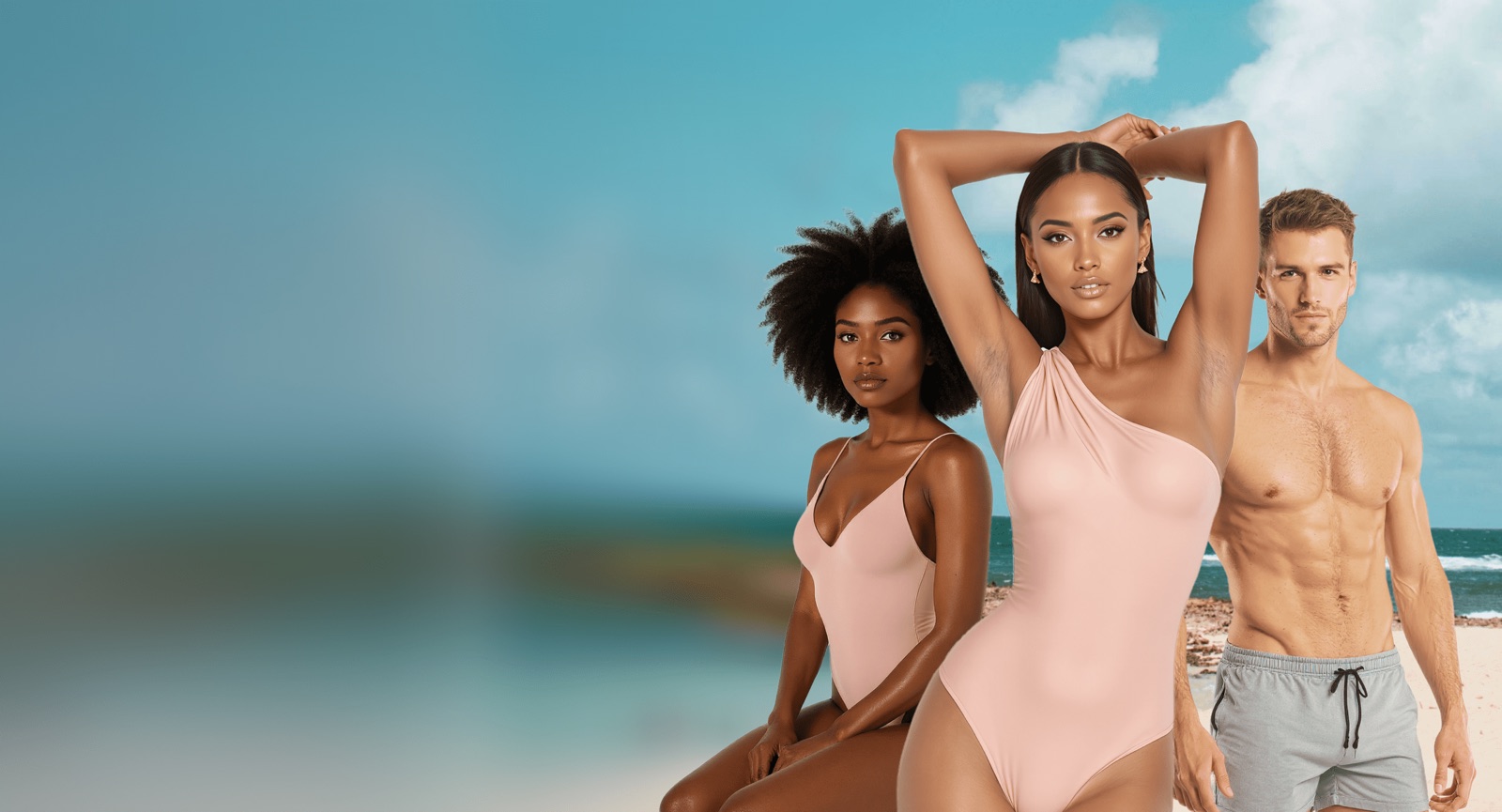
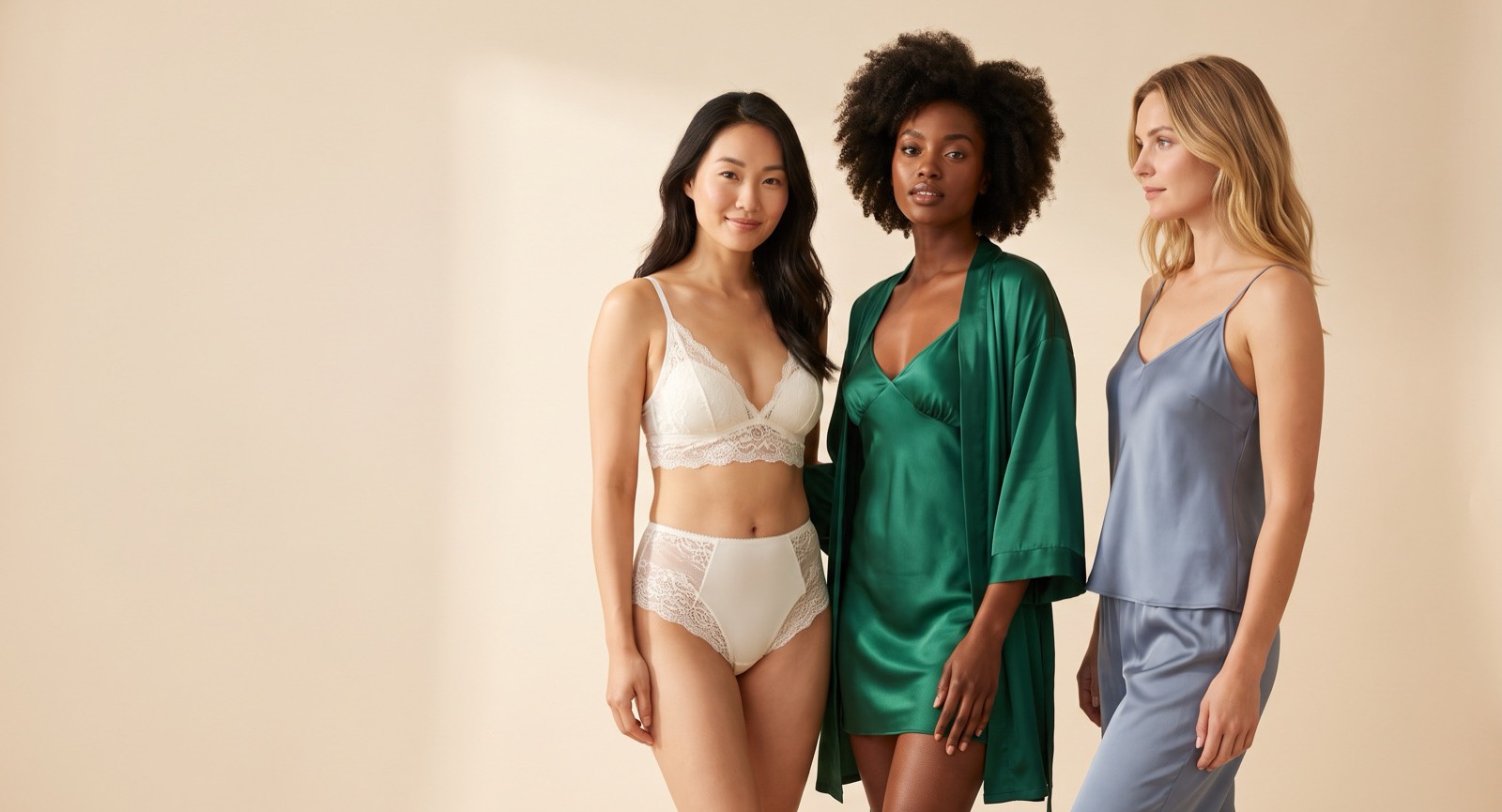
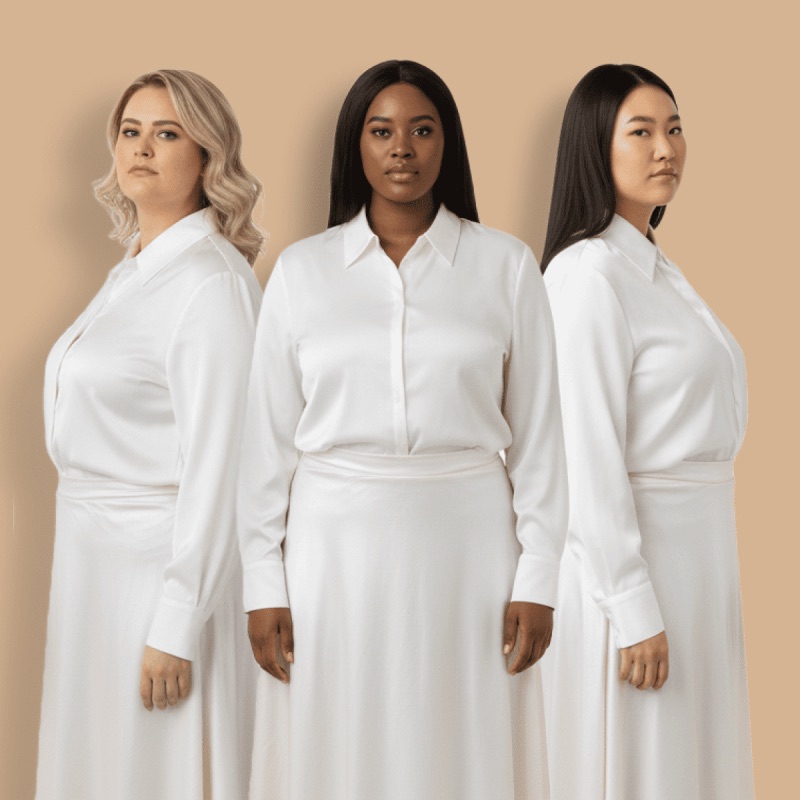
Showcase your products on models that reflect your actual customers. Choose from a wide range of body types, skin tones, and ages — all commercially licensed, copyright-free, and ready to use across your PDPs, paid ads, and social campaigns.
- 50+ diverse body types, skin tones, and age ranges
- 100% copyright-free for commercial use
- Customizable pose, scene, and background
- Match your brand's demographic and style direction
Questions teams ask before they start.
What does mannequin-to-model AI do?
It takes the photo you already shot on a mannequin, hanger or flat surface and returns the same garment worn by a person — the cut, print and trim carried over from your original, the body and setting generated.
How do I replace a mannequin with a real-looking model?
Upload the mannequin shot, choose or upload the model, and the render comes back in minutes. You get 5 credits free at signup with no card, so you can test it on your own image first.
Which source photos work best?
Anything where the garment's shape is readable: mannequin, ghost-mannequin, hanger, or a flat-lay laid out squarely. A crumpled pile is the weak case, because the silhouette has to be inferred rather than observed.
Is this the same as a ghost mannequin effect?
No, they are opposites. Ghost mannequin removes the mannequin and leaves a hollow garment holding its worn shape. This puts a person inside the garment instead. Sellers often want both: hollow for the listing's primary image, on-model for the secondary ones.
Can I keep one model across every SKU?
Yes — upload a model reference once and it carries across the catalogue, which is what makes a category page look like a single shoot rather than a collage.
How does the cost compare with an on-model shoot?
A shoot means booking a model, studio, stylist and photographer, then waiting on retouching. Here you spend credits per render from a photo you already have — see the pricing page for current plans.
Turn Every Mannequin Photo Into a Selling Image
No studio. No model booking. Just upload your product photo and generate professional on-model images in seconds.