
On-Model Saree Photos, Without the Draping Session
Drape-true AI try-on for sarees, lehengas and salwar kameez.
A saree only sells draped, and draping one properly takes a stylist twenty minutes per piece, before a single frame is shot. Upload the flat-lay or the fabric shot instead and get a draped on-model photo in about 20 seconds, with the pleats, pallu fall and blouse cut you actually sell. Built for saree houses, ethnic-wear labels and the Etsy and Amazon sellers shipping them worldwide.
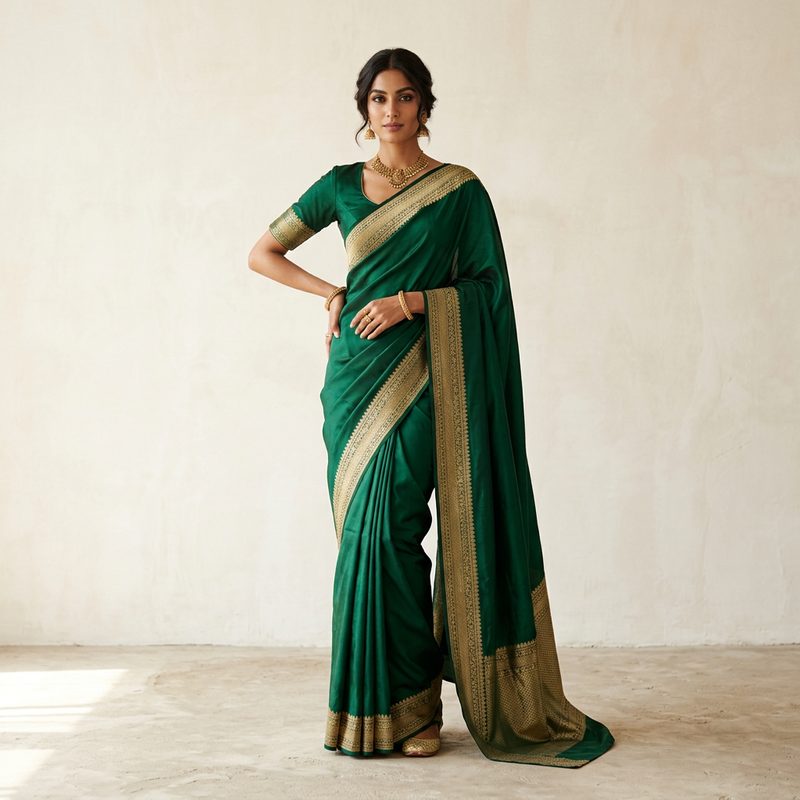
See it on a model, right now
Free preview, no signup · save it, get 10 free credits150+ more models after you sign up.
Tuned for modest wear. Change any of these before you generate.
What is AI Saree Models?
AI Saree Models is a virtual try-on tool that drapes sarees, lehengas, salwar kameez and kurtis onto realistic AI models, with controls for blouse sleeve style, sleeve length and overall fit, so the fall of the fabric and the cut of the blouse stay true to the piece.
Ethnic wear is the hardest category for generic AI try-on. Six yards of unstitched fabric has no seams to follow, so most tools invent a wrap: pleats collapse, the pallu ends up on the wrong shoulder, and a Banarasi border gets smeared into a pattern that never existed. TinTin renders the drape from your own product photo, keeps the border and zari work where they are, and lets you set the blouse separately from the drape.
Upload a flat-lay, a hanger shot or a fabric photo and get a catalog-ready on-model image for your product page, WhatsApp catalogue, Instagram ads or a wedding-season lookbook. Use the preset models, or upload your own model once and reuse her across the entire collection. The same face and lighting across 200 sarees is what makes a catalog look like a brand.
Saree, lehenga, salwar kameez: one control set per garment
Indian ethnic wear is a family of very different constructions, and the words are not interchangeable: a lehenga is stitched, a saree is not, and the render has to treat them differently. Here is the vocabulary TinTin's controls map onto.
- साड़ीsaree / sari
- Six to nine yards of unstitched fabric, pleated at the waist with the pallu over the shoulder. Rendered from your product photo so border, zari and print position survive; the blouse is set separately.
- ब्लाउज़blouse / choli
- The fitted top worn with a saree or lehenga. Sleeve length and sleeve style are dedicated controls (short, elbow, bell or cuffed) because that is what buyers zoom in on.
- लहंगाlehenga
- Stitched floor-length skirt with a choli and dupatta. A structured silhouette: hold the flare with Overall fit rather than letting the model slim it.
- सलवार कमीज़salwar kameez
- Tunic over trousers, often with a dupatta. Sleeve style plus a moderate fit keeps the kameez from being rendered as a Western dress.
- कुर्तीkurti / kurta
- The everyday tunic, worn with leggings, palazzos or jeans. The fastest category to batch: one model, one background, the whole colourway range.
- दुपट्टाdupatta
- The long scarf that completes most ethnic sets. Photograph it in the same frame as the set and it is rendered as part of the outfit, not as a separate layer.
- अनारकलीanarkali
- Floor-length frock-style kurta with a flared skirt. Loose or oversize fit keeps the flare; a slim fit is what turns it into a plain gown.
- बनारसी / ज़रीbanarasi / zari
- Woven silk and metallic thread work. Detail survives the render in proportion to your input resolution, so upload the sharpest flat-lay you have and output at 4K.
Try-on that understands a drape, not just a garment.
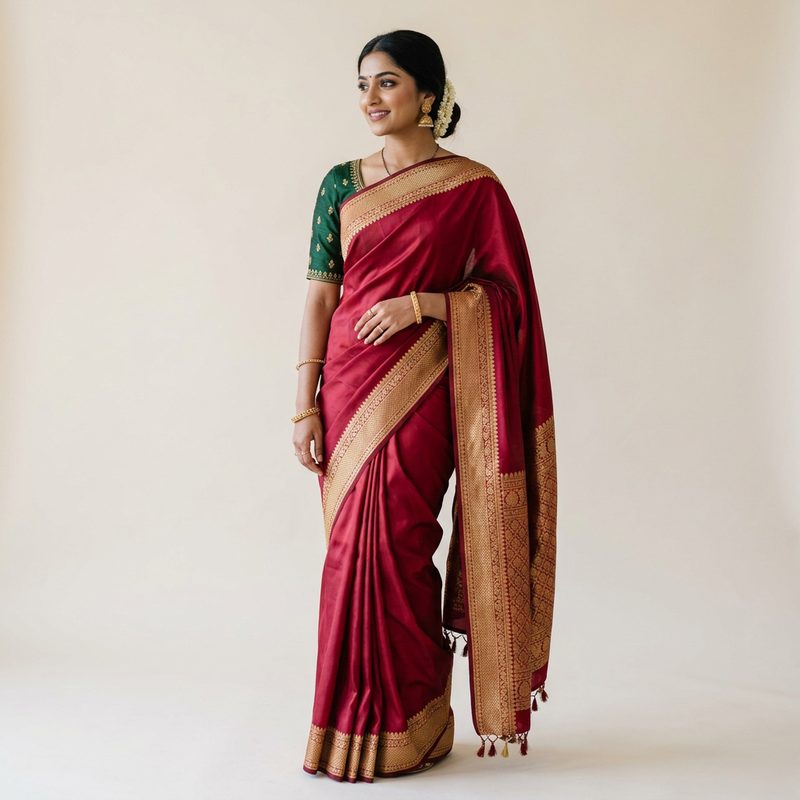
Drape and Blouse, Controlled Separately
A saree listing is really two garments in one photo. TinTin renders the drape from your fabric and lets you set the blouse independently, so the same saree can be shown with the short-sleeve blouse you ship and not a generic one.
- Pleats and pallu fall rendered from your own product photo
- Blouse sleeve length and style set separately: short, bell, cuffed, bishop
- Borders, zari and printed motifs kept in position
- Lehenga and anarkali flare held instead of slimmed
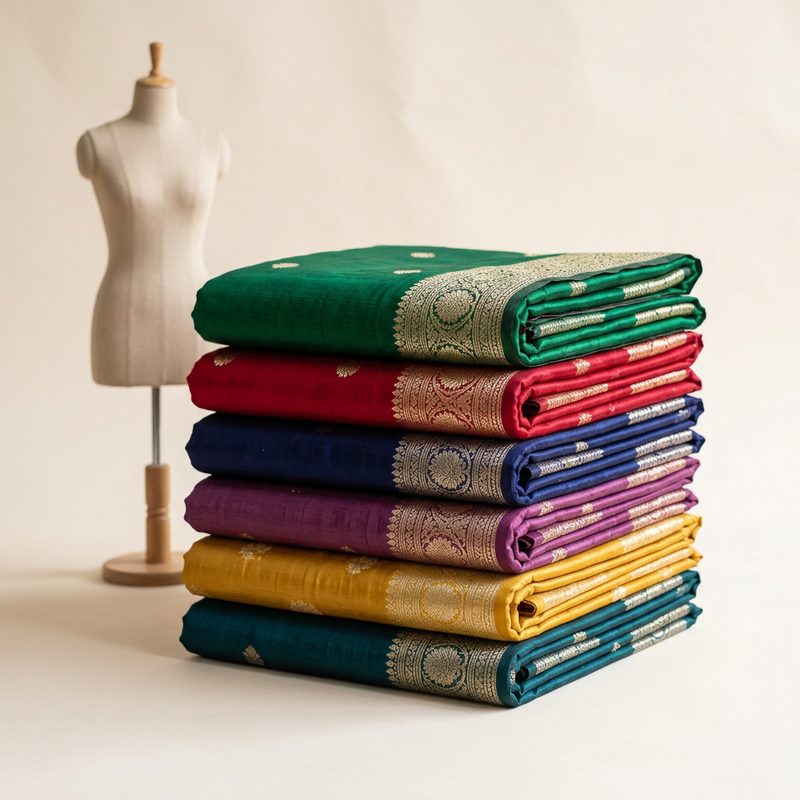
Twenty Seconds Instead of Twenty Minutes
Skip the stylist, the draping and the reshoot. One product photo goes in, a draped on-model image comes out in about 20 seconds, so a 200-piece wedding-season catalog is an overnight job, not a month of studio days.
- Works from flat-lay, hanger or folded-fabric shots
- Preset models, or upload your own model once and reuse her
- Batch a full colourway range before the wedding season peaks
- A fraction of the cost of a traditional ethnic-wear shoot
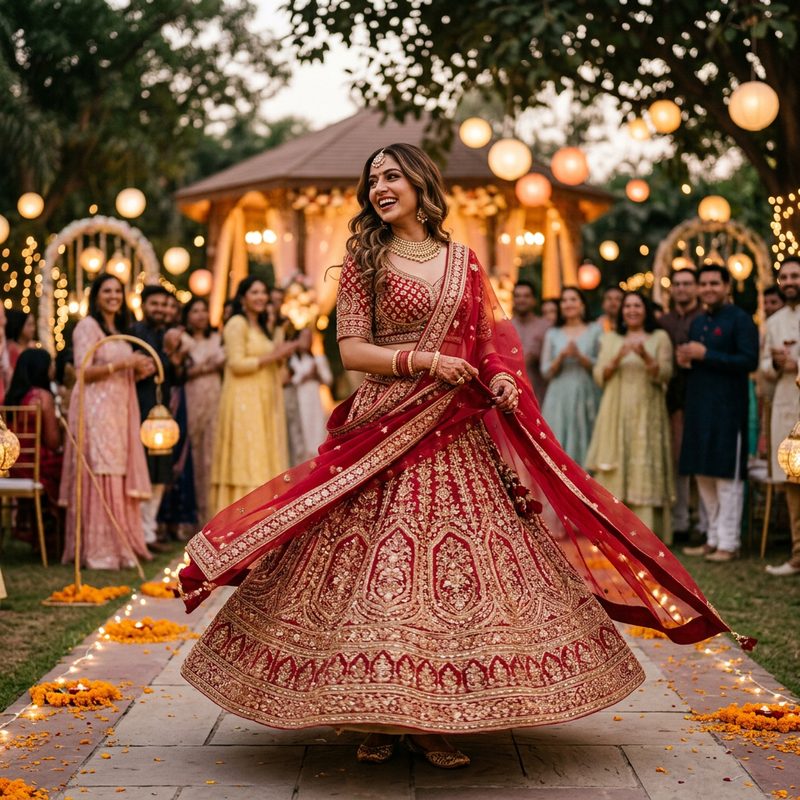
Ready for the Channels You Actually Sell On
Output sized and lit for real selling surfaces: marketplace product pages, WhatsApp and Instagram catalogues, and wedding-season lookbooks. One consistent model and light across the collection, which is what separates a brand from a reseller.
- PDP studio shots plus lifestyle and festive scenes
- Same model and lighting across the whole collection
- 2K and 4K output for zoom-friendly fabric detail
- Cleared for commercial use on your store and ads
What saree and ethnic-wear sellers ask first.
What is the best AI tool for saree model photos?
Pick one that drapes the saree the way it is actually worn, with pleats, pallu and border in the right place, and keeps zari and print work intact. TinTin turns a flat or folded saree photo into an on-model shot in about a minute, and also covers lehengas, salwar kameez and kurtis. You can try it on this page with no signup, and a free account gets 10 free credits, no card.
Can AI really drape a saree correctly?
It drapes from your product photo rather than guessing: the pleats, the pallu over the shoulder and the border position follow the fabric you uploaded. The closer your input is to a clean, evenly lit flat-lay, the more exactly the fall and the border placement match the piece you ship.
Does it handle lehengas, salwar kameez and kurtis too?
Yes. Those are stitched garments, which are easier than an unstitched saree. Set the sleeve style and hold the flare with the fit control, and the render follows the construction. The same page and the same controls cover the whole ethnic-wear range.
Will the zari work and border survive?
Detail survives in proportion to your input: a high-resolution flat-lay keeps woven borders, zari and printed motifs legible, and 4K output keeps them sharp when a buyer zooms. A small, soft phone photo will render soft; that limit is the input, not the model.
Can I use my own model instead of a preset?
Yes. Upload your model's photo once and reuse her across every piece in the collection. The same face, pose and lighting across hundreds of sarees is what makes a catalog read as one brand.
Do I have to paste my drape instructions for every saree?
No. Write your drape notes once, for example pallu length, border placement or no tassels, and generate. Next time you open single try-on in the same browser, that prompt sits as a chip under the Prompt box: one click fills it back in for the next saree, and x removes it. It is remembered per browser, not saved to your account.
Where can I use the generated images?
Anywhere: product pages, marketplaces, WhatsApp and Instagram catalogues, ads, lookbooks and email campaigns. Generated visuals are cleared for commercial use.
Can I try it before signing up?
Yes. The try-on widget on this page runs without an account: upload a product photo and you get a watermarked preview on a model in about a minute. Sign up free when you want to keep the full-resolution file. You get 10 free credits, no card.
What does it cost after the free credits?
One credit is one on-model image (4K costs two). When the free credits run out you can buy a one-time pack, 10 credits for $4.99 or 30 for $14.99, with no subscription and credits that never expire. Your first purchase within 24 hours of signup gets double credits: 20 for $4.99, once. If you shoot every drop, plans start at $10 a month for 20 credits. The pricing page has the full table.
Related use cases
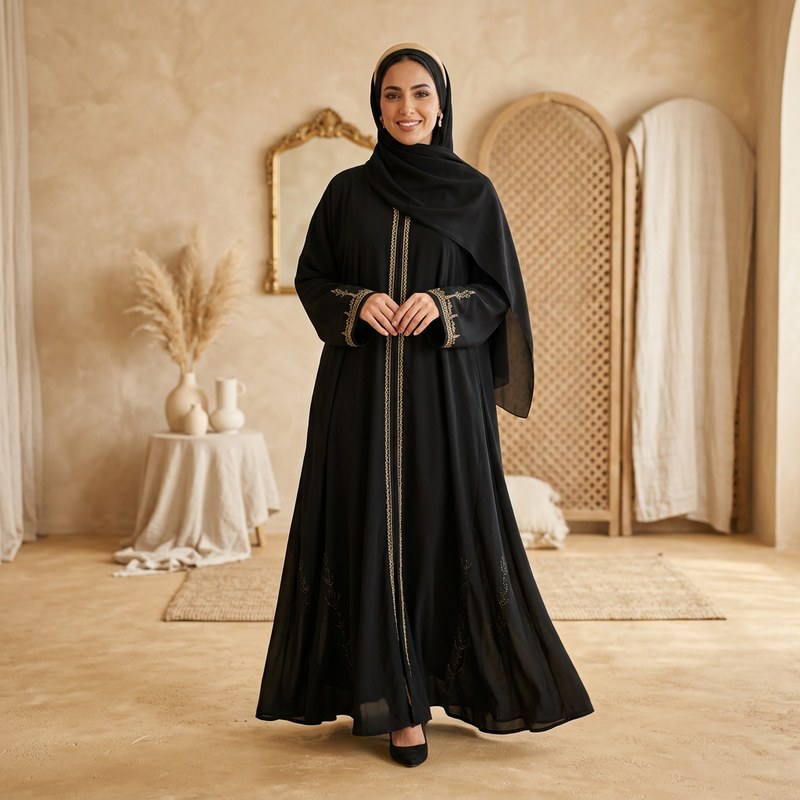
AI Abaya Models
Coverage-safe abaya & modest fashion try-on, tuned for loose cuts.
Explore →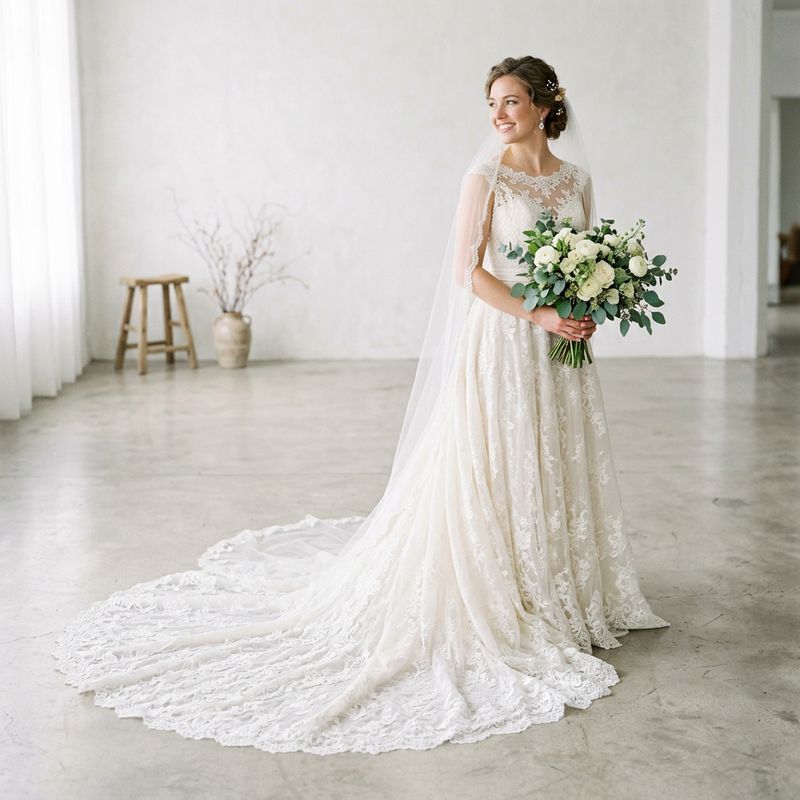
AI Wedding Dress Models
Gowns from hanger shots onto bridal models, train and lace intact.
Explore →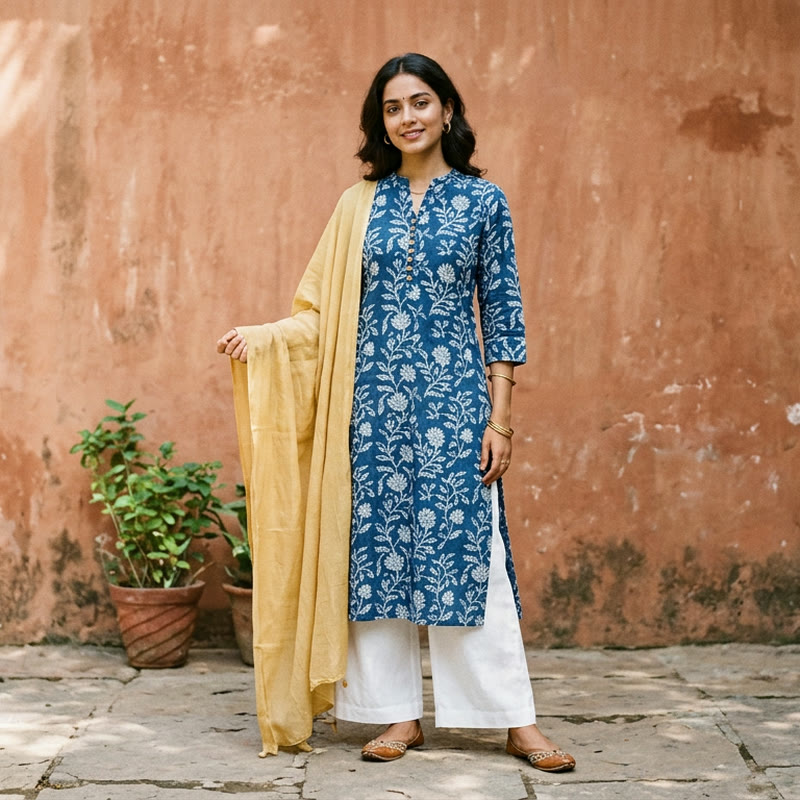
AI Kurti Models
Kurtis and kurta sets on models, prints and embroidery kept true.
Explore →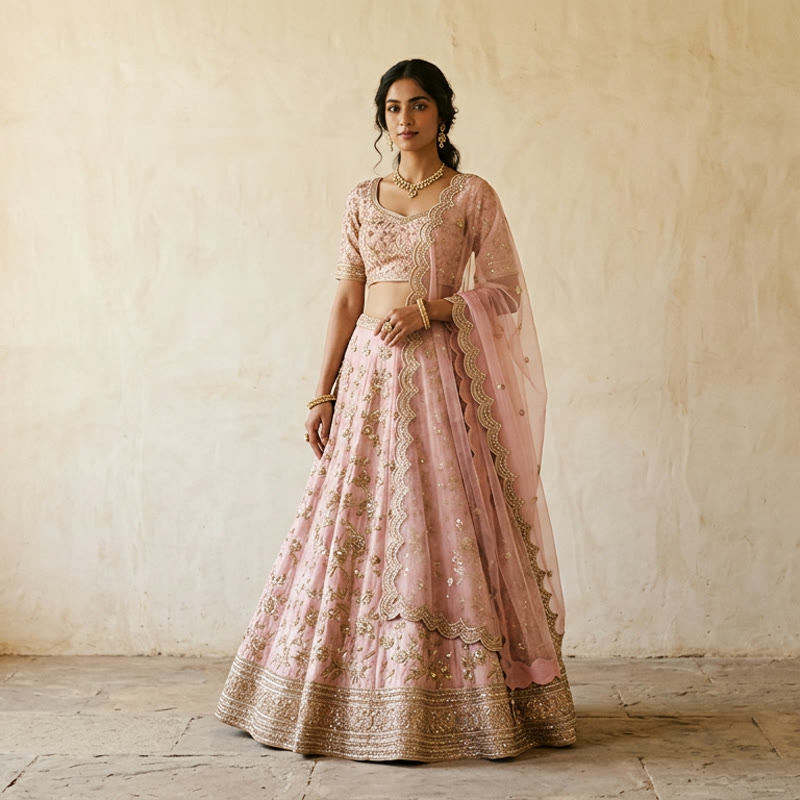
AI Lehenga Models
Bridal and festive lehengas on models, embroidery and dupatta kept true.
Explore →
Outfit Try On
Dress AI models in full head-to-toe outfits instantly.
Explore →Drape Your Whole Collection Tonight
Turn saree, lehenga and kameez flat-lays into draped on-model photos in seconds. No stylist, no draping session, no reshoots.