
On-Model Wedding Dress Photos, Without the Bridal Shoot
Gowns from hanger or mannequin shots onto realistic bridal models.
Turn a hanger, mannequin or flat shot of a gown into an elegant on-model bridal photo in 20 seconds. A-line stays A-line, the train keeps its length, lace and beadwork survive the render, at up to 4K. Built for bridal boutiques, made-to-order ateliers and Etsy wedding dress sellers, not for brides playing dress-up.
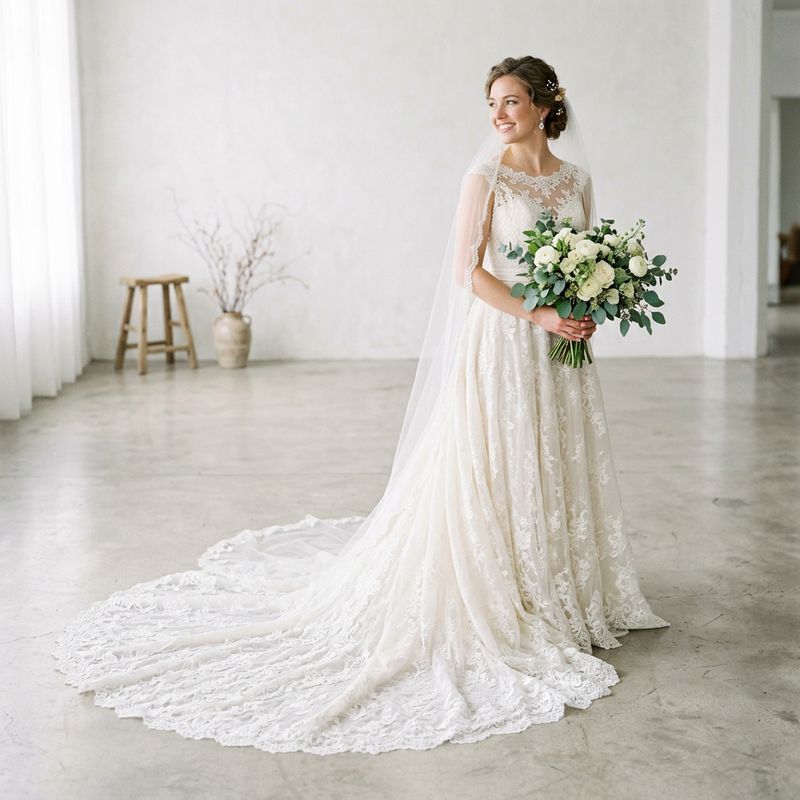
See it on a model, right now
Free preview, no signup · save it, get 10 free credits150+ more models after you sign up.
Tuned for modest wear. Change any of these before you generate.
What is AI Wedding Dress Models?
AI Wedding Dress Models is a virtual try-on tool for bridal sellers that renders gowns from hanger or mannequin shots onto realistic AI models, preserving silhouette, train length, lace and beadwork detail.
Almost every AI tool in the wedding space points the other way: at brides uploading selfies to preview a dress. Sellers are left out: a bridal photoshoot means a model, a studio big enough for a train, and hours of steaming and clipping per gown, which is why so many boutique and marketplace listings still show gowns on hangers. TinTin flips the camera around. It's try-on for the seller's catalog, not the bride's selfie.
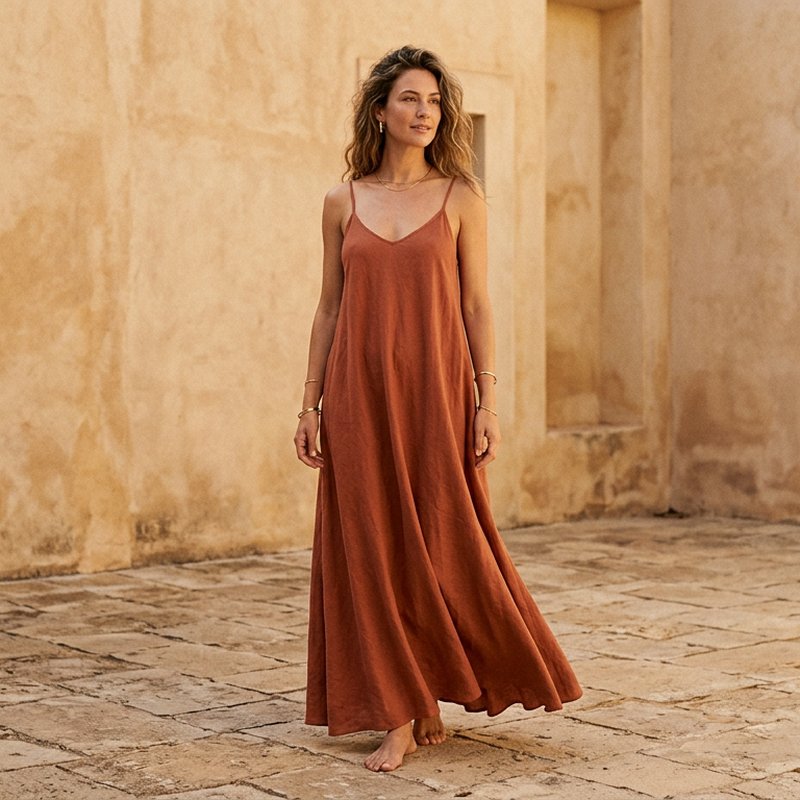
Upload the hanger or mannequin shot you already have and get a catalog-ready on-model image for your product page, marketplace listing or Instagram. Ballgown, mermaid, A-line and sheath silhouettes each hold their shape, and one consistent model can wear your entire collection.
Bridal try-on built for sellers, not selfies.
Silhouette and Train, Held True
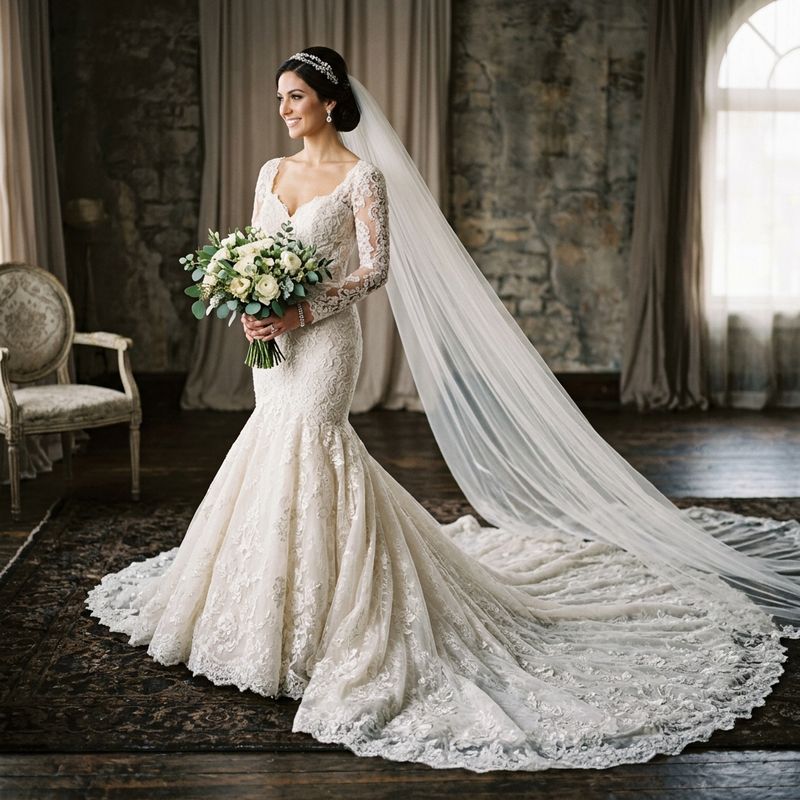
A gown is its silhouette. TinTin keeps ballgown volume full, mermaid flares at the knee, and cathedral trains at cathedral length, with sleeve style as a dedicated control, from bishop and bell to long lace sleeves.
- Ballgown, mermaid, A-line and sheath shapes preserved
- Train length rendered as cut, not cropped away
- Sleeve style and length as dedicated controls
- Veils and layered skirts composed correctly
Lace and Beadwork Survive the Render
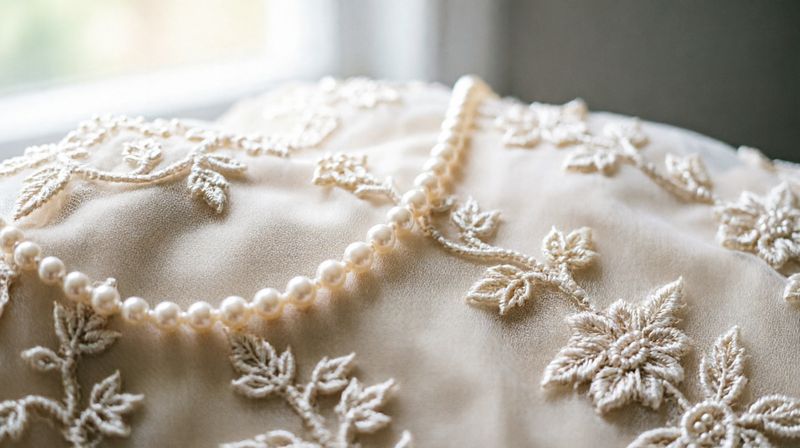
Bridal buyers zoom into the bodice before anything else. Renders output at up to 4K so appliqué lace, seed beading and embroidered tulle stay crisp on the product page, detail that justifies a four-figure price tag.
- Appliqué lace and embroidery kept sharp
- Beadwork and sequin texture preserved
- 2K and 4K output for zoom-friendly listings
- Ivory, white and blush tones held color-accurate
A Whole Collection on One Model
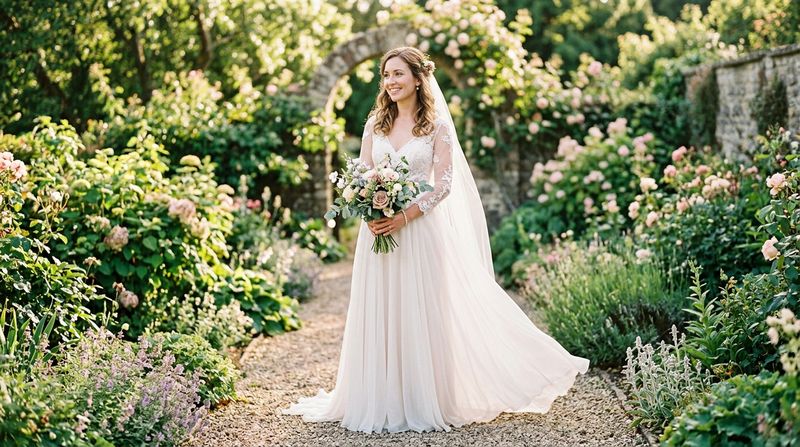
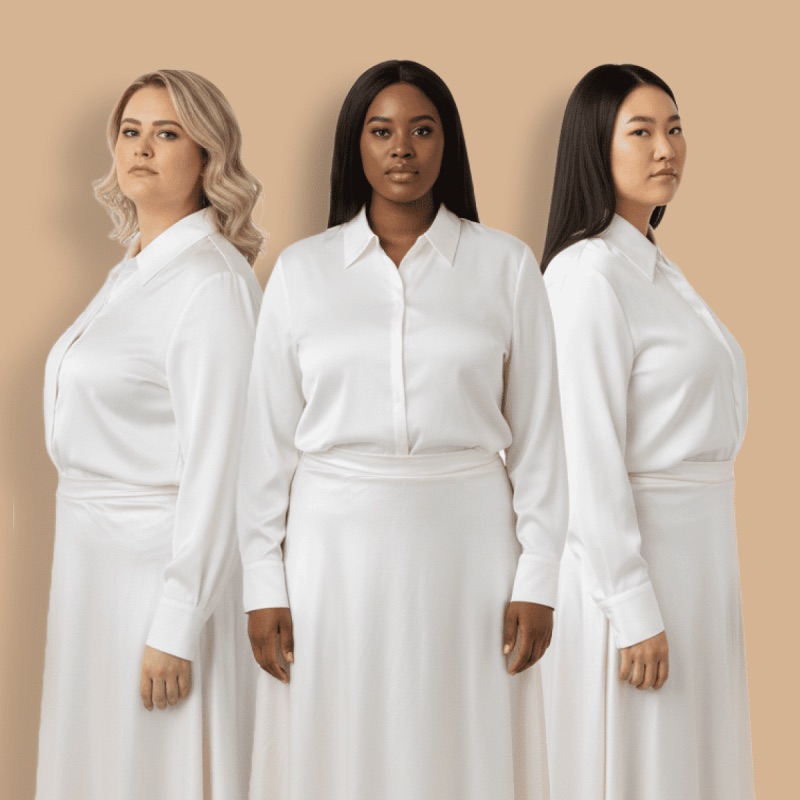
Shoot your entire lineup on the same model without booking anyone. Boutiques get a cohesive lookbook; Etsy and made-to-order sellers get on-model listings for gowns that only exist as one sample on a hanger.
- One consistent model across every gown
- Works from hanger, mannequin or dress-form shots
- Studio, garden and venue lifestyle scenes
- Cleared for commercial use on listings and ads
Questions bridal sellers ask before they start.
What is the best AI tool for wedding dress model photos for sellers?
Most bridal AI tools are built for brides previewing a dress on a selfie. For a boutique or marketplace seller, pick one that keeps the silhouette, train length and lacework of your gown. TinTin turns a hanger or mannequin shot into an on-model bridal photo in about a minute, at up to 4K. You can try it on this page with no signup, and a free account gets 10 free credits, no card.
Does AI virtual try-on work for wedding dresses and long trains?
Yes. TinTin renders full-length gowns with their silhouette and train intact: ballgown volume, mermaid flare and cathedral trains all hold their shape instead of being cropped or slimmed.
Is this for brides or for sellers?
Sellers. Most bridal AI tools let a bride preview a dress on herself; TinTin generates the catalog side: on-model photos of your gowns for product pages, marketplace listings and lookbooks.
Will lace and beadwork detail survive?
Yes. Renders output at up to 4K, keeping appliqué lace, beadwork and embroidered tulle crisp enough for the bodice zoom every bridal shopper does first.
Where can I use the generated images?
Anywhere: your boutique site, Etsy and marketplace listings, social ads, lookbooks and email campaigns. Generated visuals are cleared for commercial use.
Can I try it before signing up?
Yes. The try-on widget on this page runs without an account: upload a product photo and you get a watermarked preview on a model in about a minute. Sign up free when you want to keep the full-resolution file. You get 10 free credits, no card.
What does it cost after the free credits?
One credit is one on-model image (4K costs two). When the free credits run out you can buy a one-time pack, 10 credits for $4.99 or 30 for $14.99, with no subscription and credits that never expire. Your first purchase within 24 hours of signup gets double credits: 20 for $4.99, once. If you shoot every drop, plans start at $10 a month for 20 credits. The pricing page has the full table.

Put Your Gowns on Models Today
Generate elegant on-model bridal photos from the hanger shots you already have. No studio, no casting, no steaming.